Japalandia backup is a professional recruitment platform designed to connect workers with opportunities in Japan. The project required a high-conversion landing page that looks great on mobile, loads fast, and clearly communicates the process. Here is how I built it using WordPress and Elementor.
Step 1: Setting Up the Foundation
I started with the Astra theme and Elementor. The first priority was establishing a consistent design system. Using Elementor's Global Settings, I mapped out the brand colors and typography before building any sections. This ensures that every button and heading across the site remains uniform.
Step 2: Responsive Breakpoints
A landing page in the recruitment industry must be mobile-first. I configured custom breakpoints in Elementor:
- Mobile: 767px (Optimized for 420px content width)
- Tablet: 1230px (Optimized for 800px content width)
Step 3: Building the Content Sections
The page follows a strategic flow: Problem → Solution → Call to Action.
Hero Section
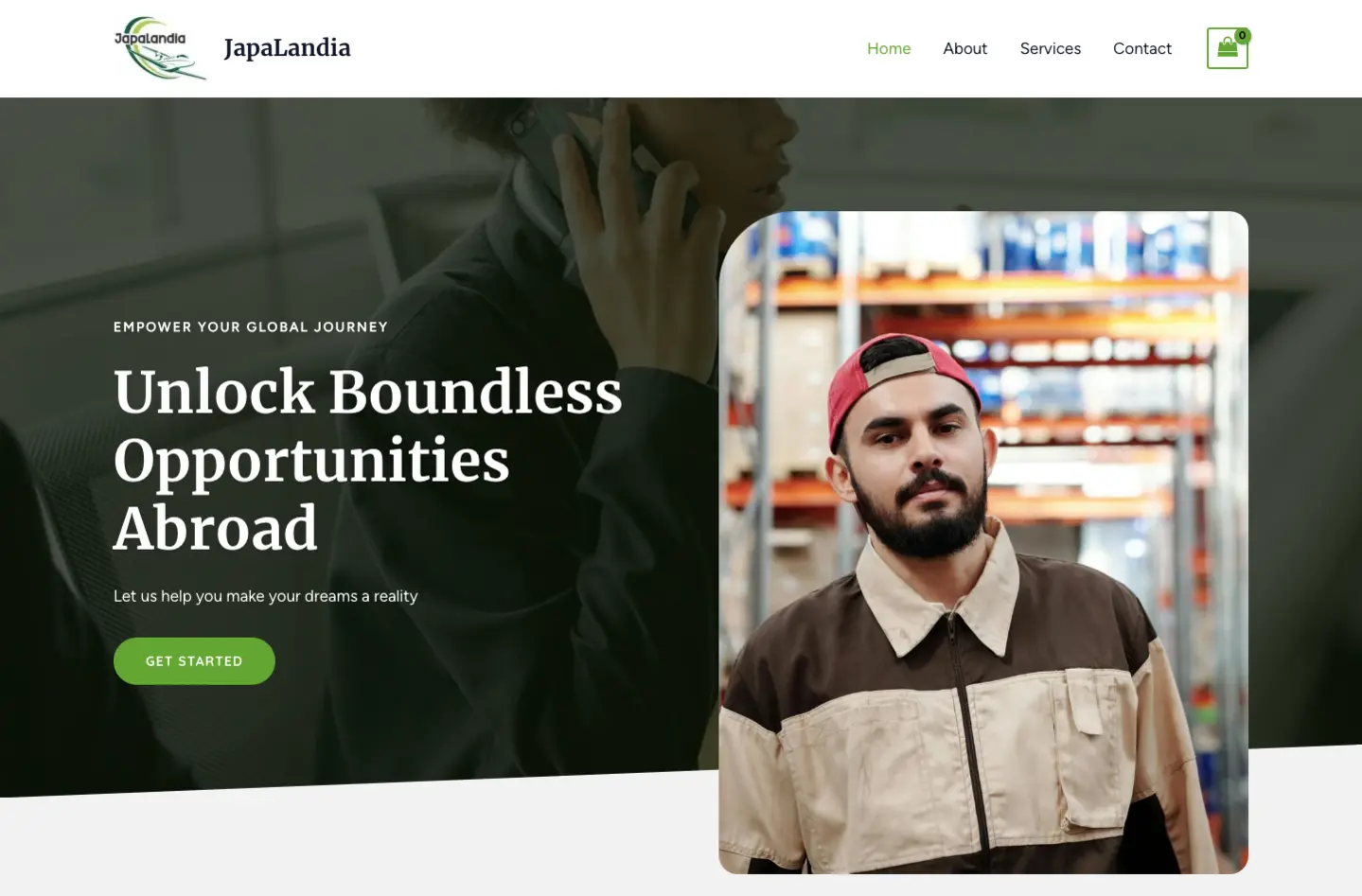
The hero section uses a high-impact background image of Japan with a clear headline. I carefully adjusted the padding for each device: 16px for mobile, 32px for tablet, and 50px for desktop to keep the visual balance.
Service Highlights
Using Elementor's Icon Box widget, I highlighted the key benefits of working with Japalandia. Each box is designed to be readable and interactive.
Step 4: Contact & Conversion
I integrated Contact Form 7 for the recruitment application. To ensure no leads are missed, I added Flamingo to store every submission directly in the WordPress database.
Optimization & Speed
The final step was performance optimization. By minifying CSS, using WebP images, and optimizing server response time, I achieved a Performance Score of 100 on Google PageSpeed Insights.